
Didpop Spreadsheet, organized as a pick rail
Browse sixteen product categories or use the search box for a specific item. The guides preserve Didpop’s earlier process; recheck the official service notice before planning an order.
Rechecked October 25, 2026: Didpop remains temporarily unavailable. The steps and figures below are an archive of the October 22 help material, not confirmation that orders can be placed today.
Start on the rail
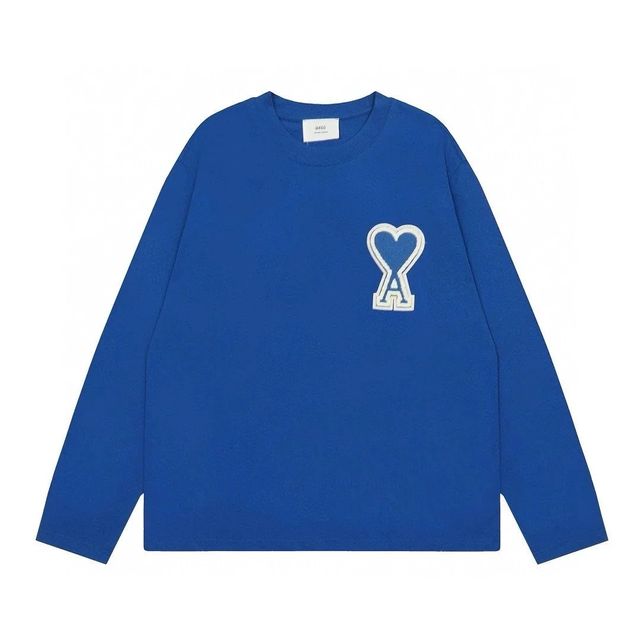
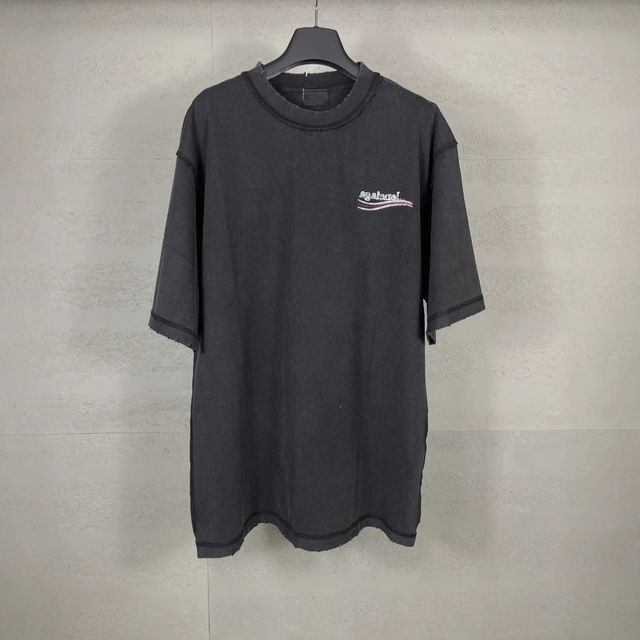
Eight of the sixteen tickets, pulled up front. The full rail, grouped into five bays with three picks and one QC note on every ticket, lives on the Spreadsheet page.






Find the archived rule behind a fee, QC check or deadline
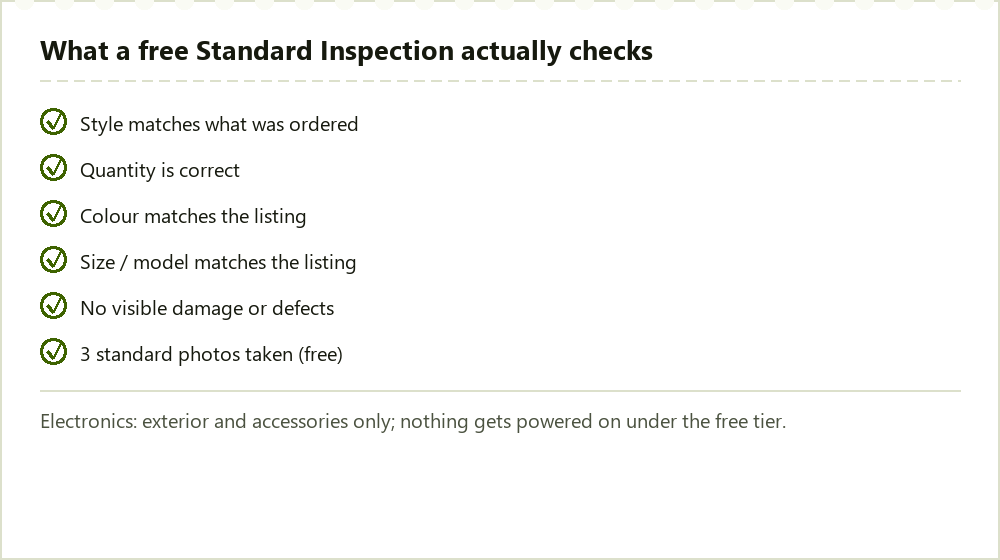
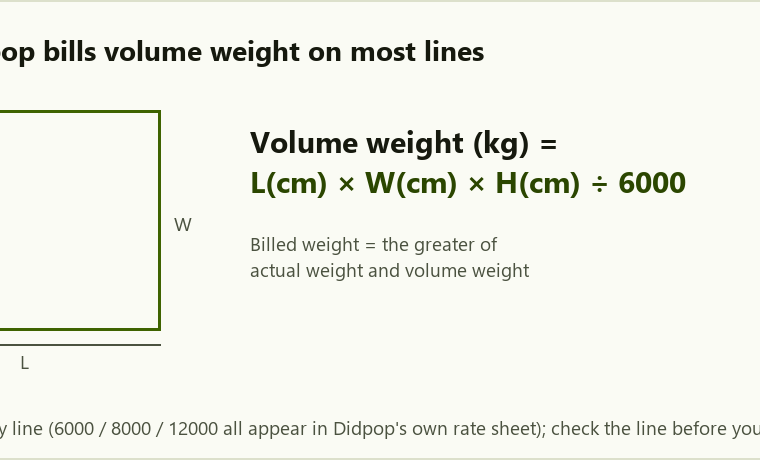
These pages explain Didpop’s help material captured on October 22, 2026. Use the fee page to understand a charge, QC to identify the missing view, and shipping to compare weight rules. Didpop was still temporarily unavailable in our October 25 recheck. The archive is useful for understanding an existing record; it is not confirmation that a new order or payment can be processed.
Use the category directory separately from the Didpop archive
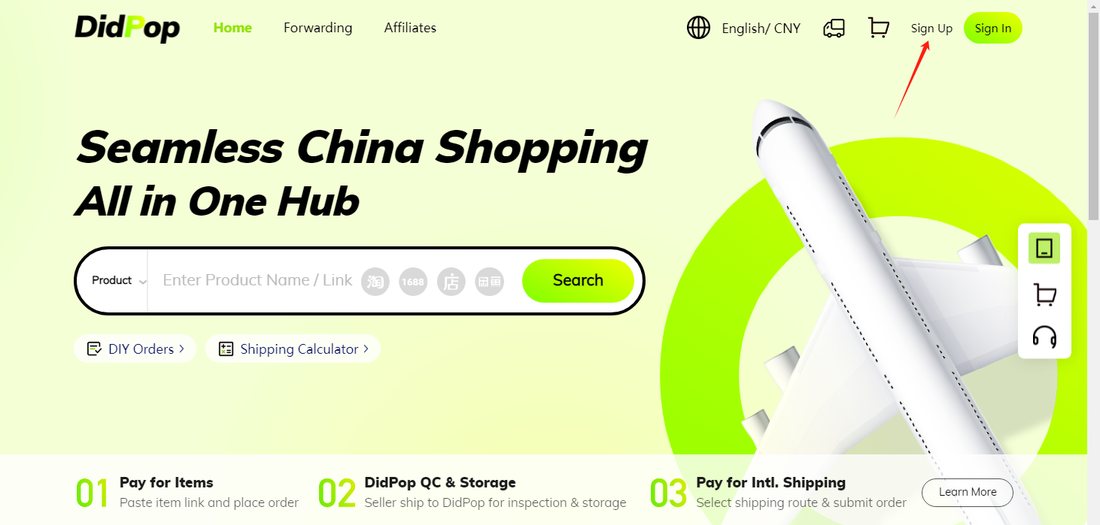
The category rail helps you find a listing and prepare a specific QC question; it does not place an order. Didpop would be the provider responsible for purchasing, warehouse actions and shipping when its service is available. While the pause remains, use the catalogue for research and check the official service notice before planning any payment. The guide preserves the earlier workflow so you can identify an existing order’s stage.
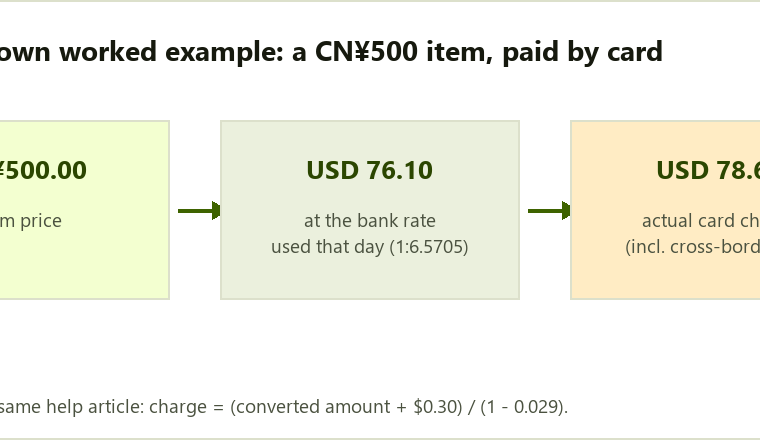
For a fee or deadline, start with Fees or Shipping, then use the calculators to explore the dated formulas. Keep the input and the stated assumption with the result. Where the source’s written rate and worked example disagree, arithmetic can expose the conflict but cannot establish which rate an account would currently charge.
This site is an independent guide to Didpop's own published rules. It is not didpop.com and does not speak for the company.